Search

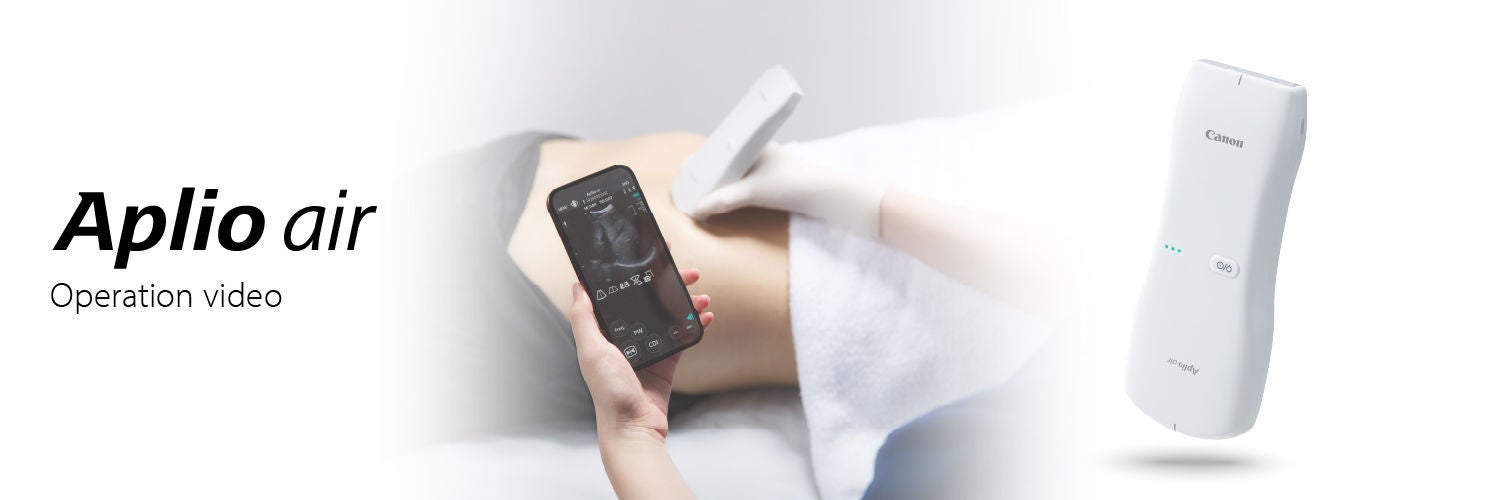
Aplio air_web banner_1500x500

Operation videos

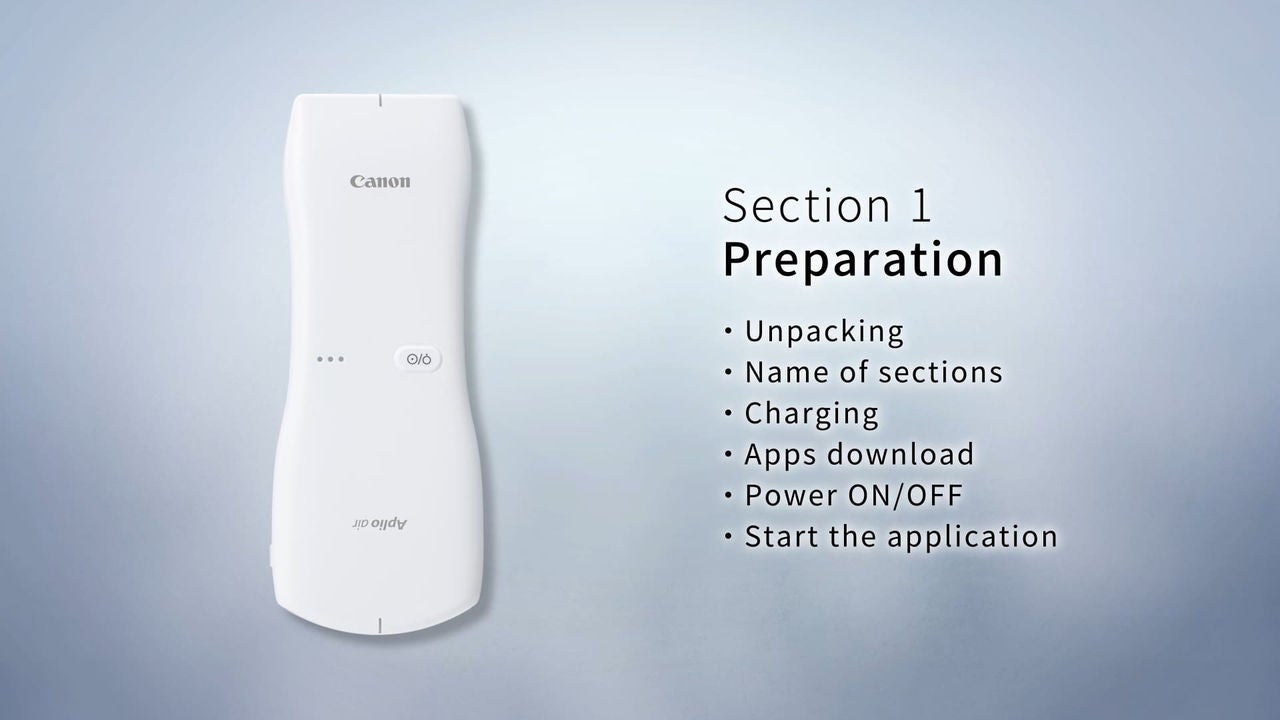
Preparation

Discover the ease of operation of Aplio air in the designated videos.

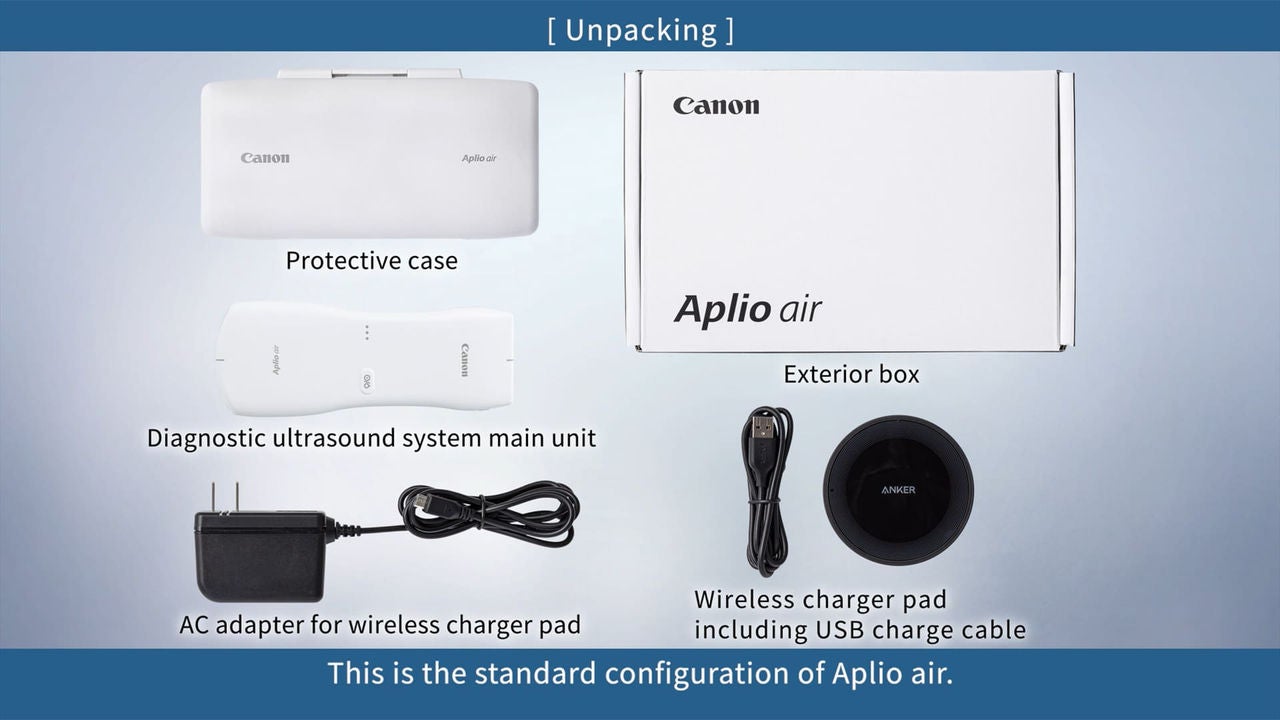
1. Unpacking and Name of sections

Image

2. Charging

Image

3. Apps download

Image

4. Power ON and OFF

Image

5. Start the application

Image

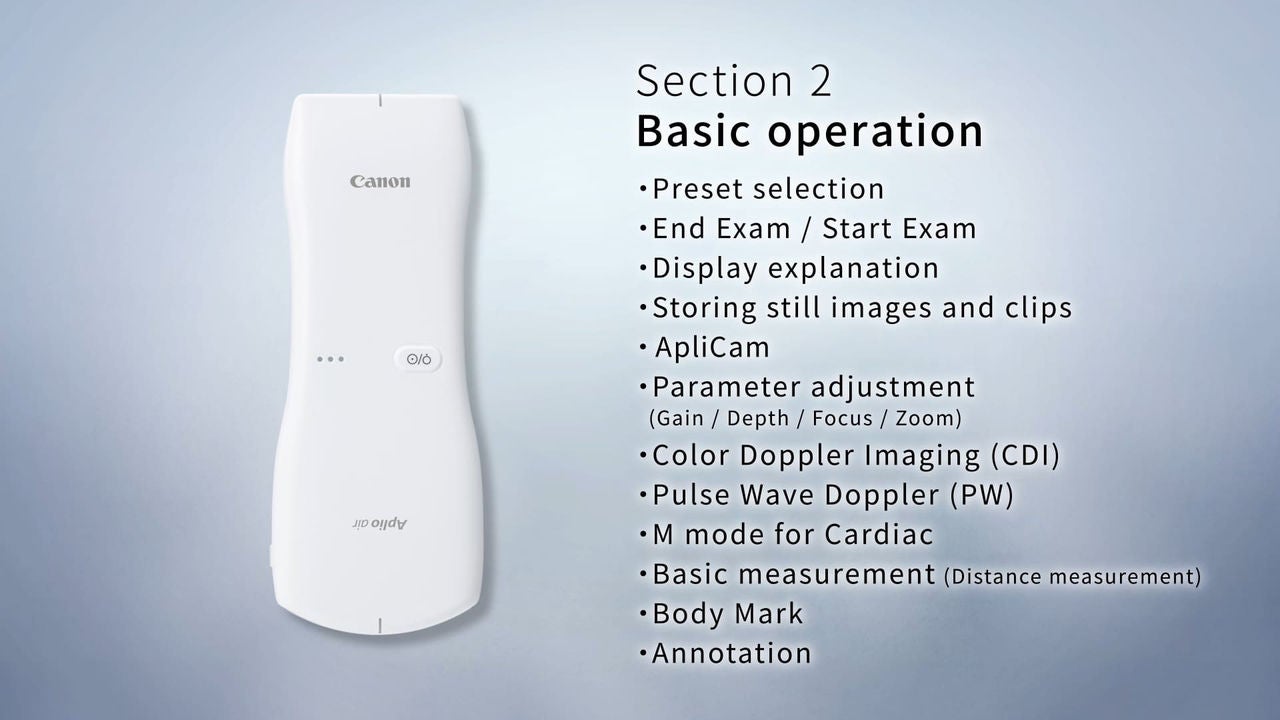
Basic operation

Section2

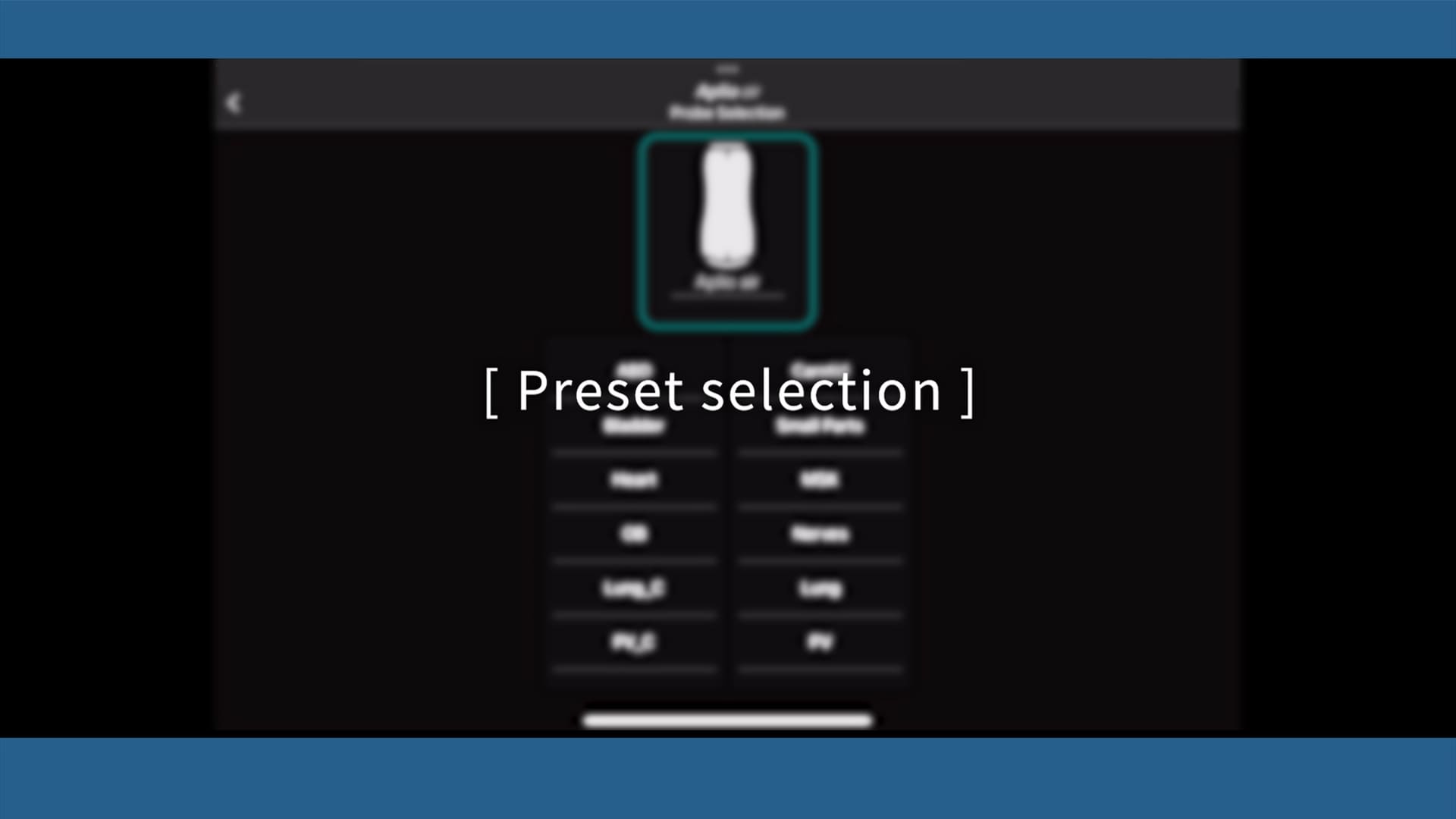
1. Preset selection

Image

2. End Exam and Start Exam

Image

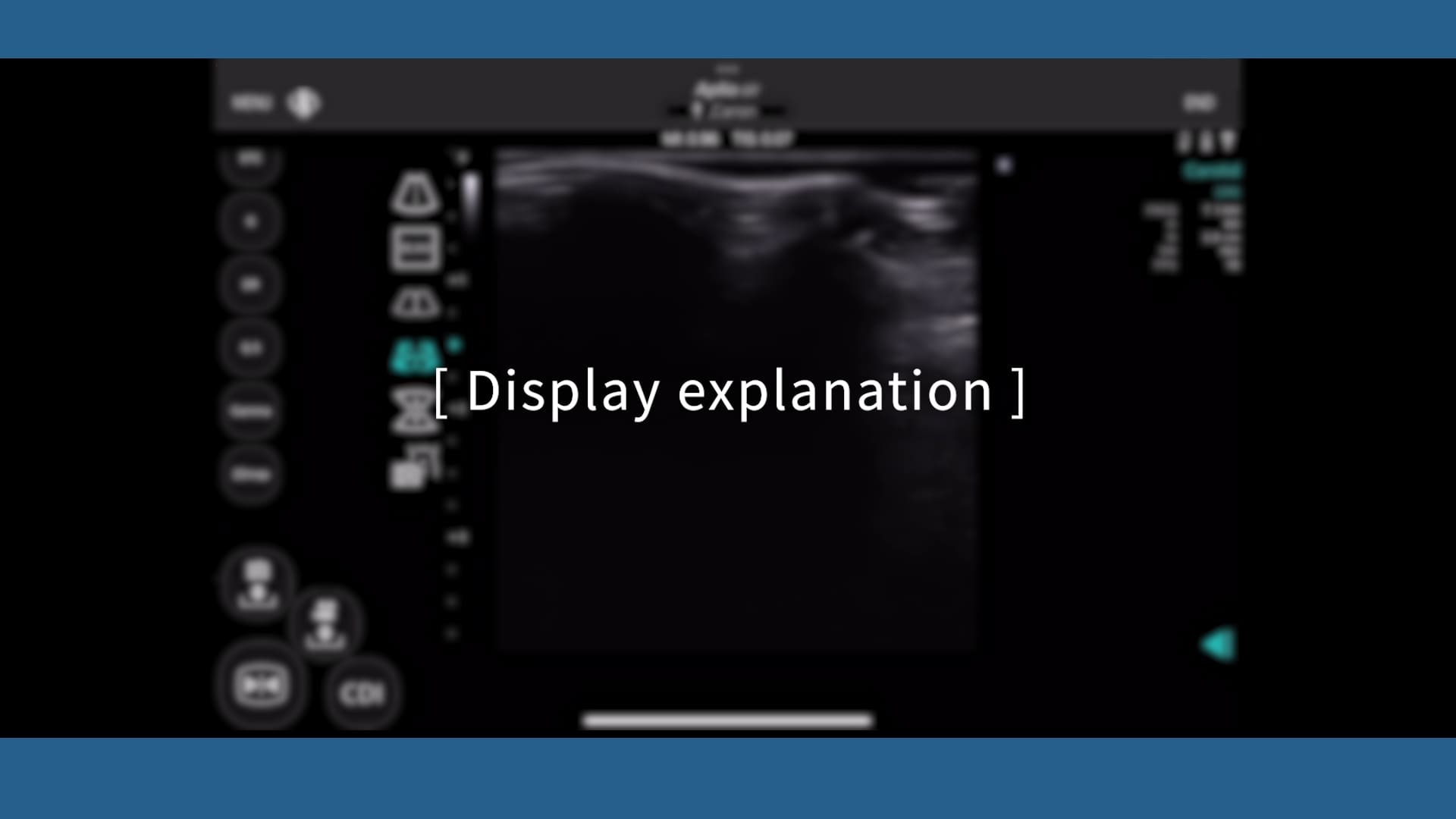
3. Display explanation

Image

4. Storing still images and clips

Image

5. ApliCam

Image

6. Parameter adjustment

(Gain, Depth, Focus, Zoom)

Image

7. Color Doppler Imaging (CDI)

Image

8. Pulse Wave Doppler (PW)

Image

9. M mode for Cardiac

Image

10. Basic measurement

(Distance measurement)

Image

11. Body Mark

Image

12. Annotation

Image

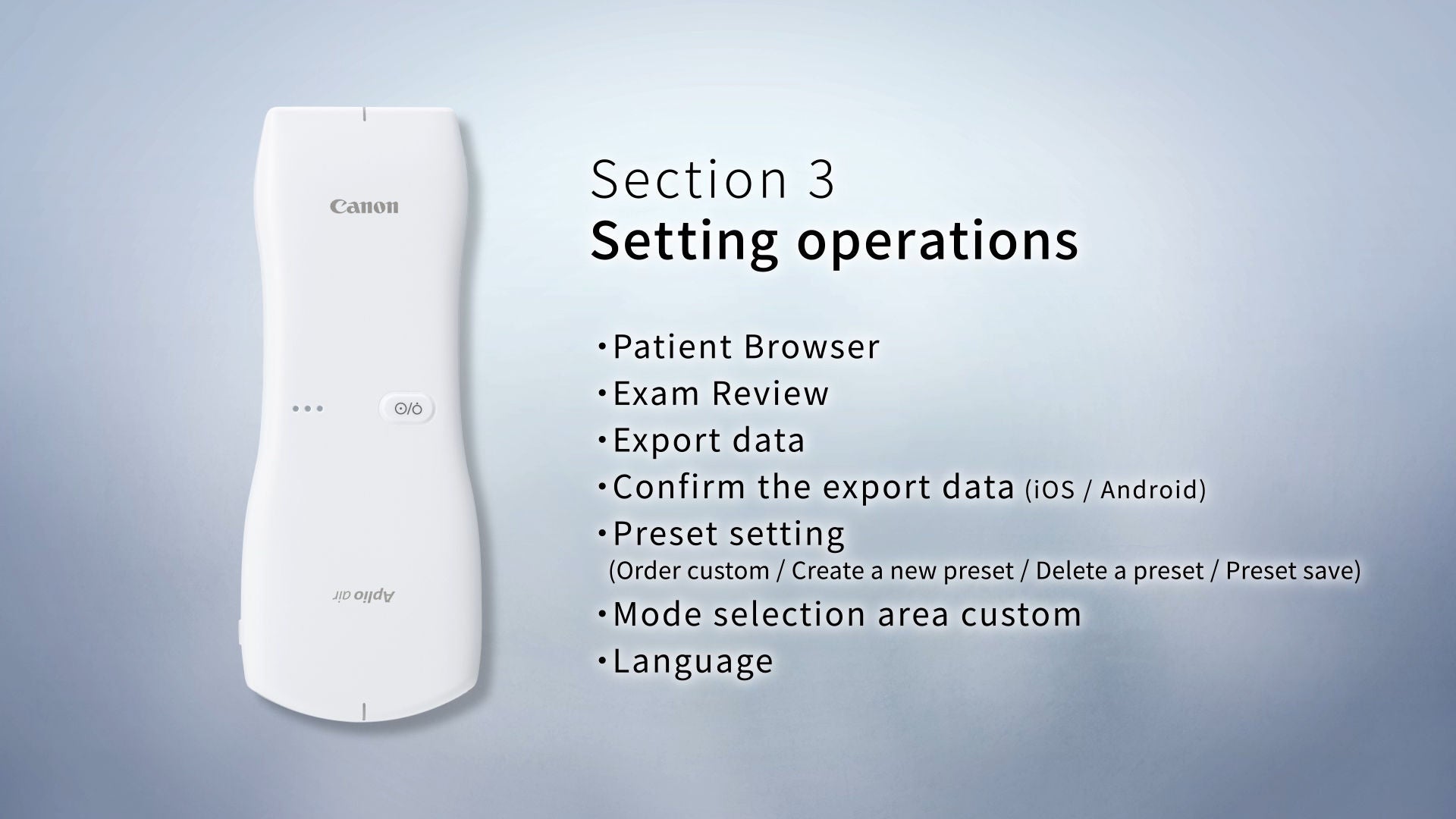
Setting operation

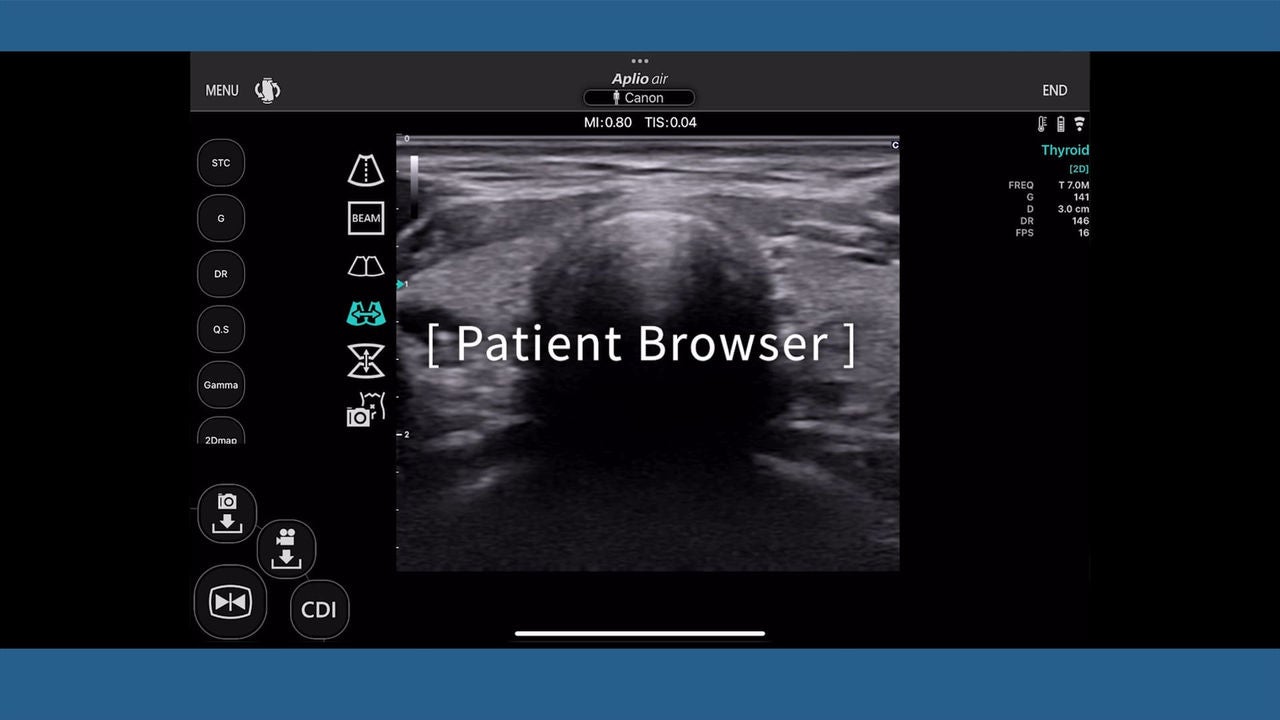
1. Patient Browser

Image

2. Exam Review

Image

3. Export data

Image

4. Confirm the data (iOS and Android)

Image

5. Preset setting

Image

6. Mode selection area custom

Image

7. Language

Image

Application measurement
1. Auto Bladder Volume measurement
Image

2. Auto-IMT

Image

3. Flow Volume

Image