


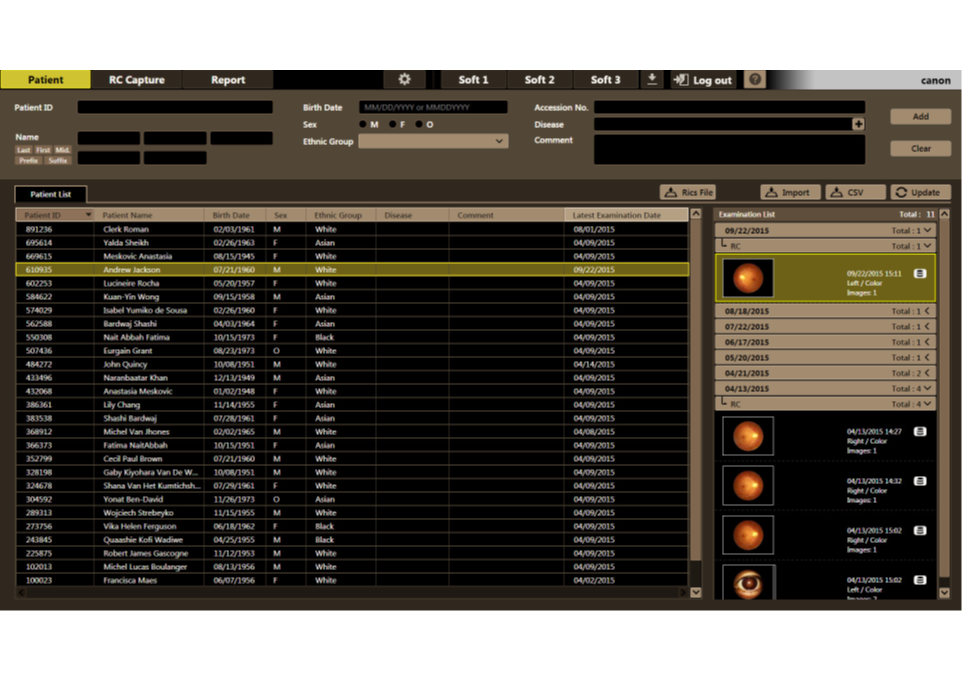
RX Capture Software
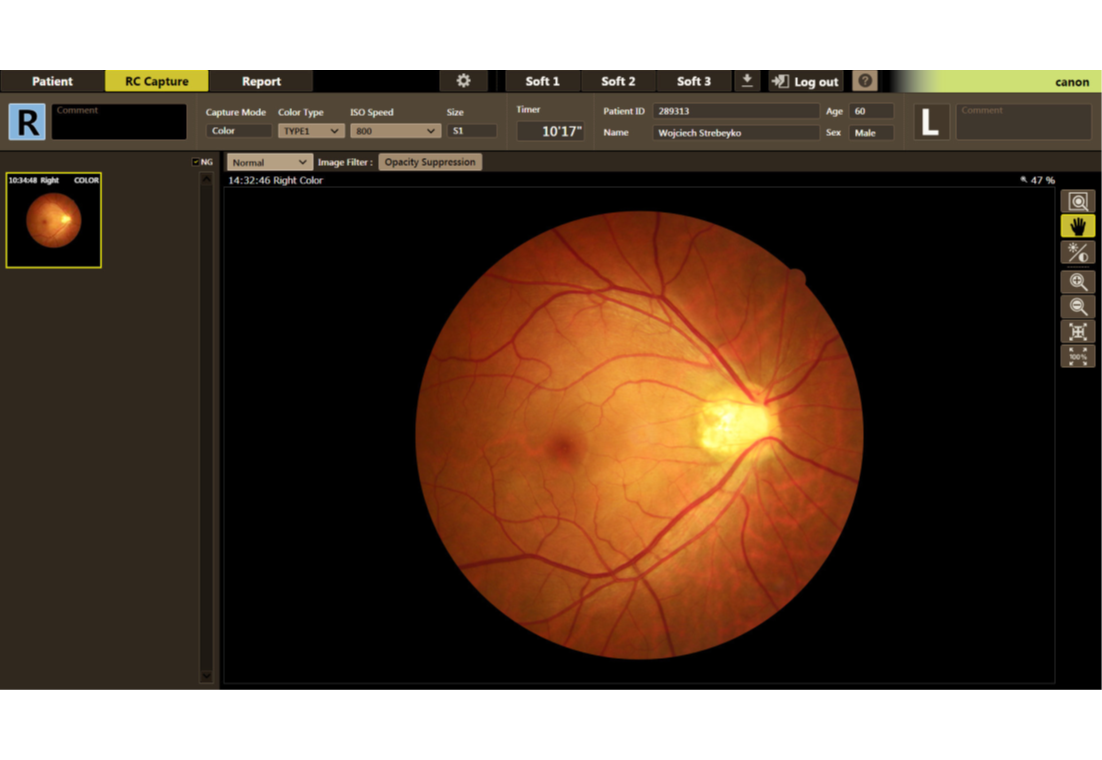
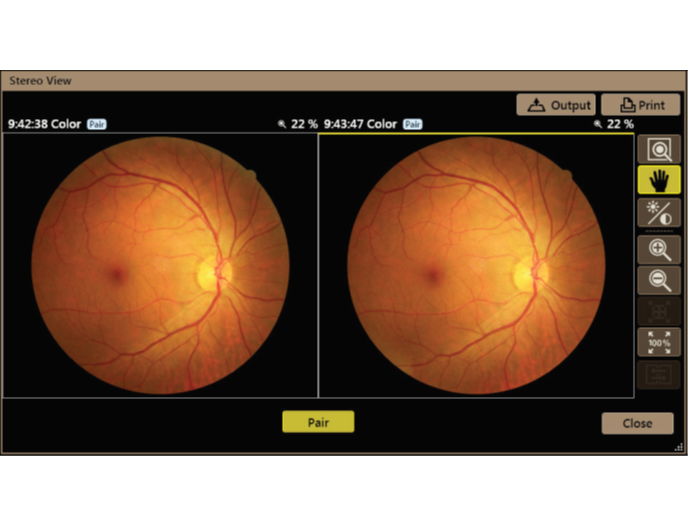
Canon’s Retinal Expert Capture Software allows for easy image acquisition and provides various functions for browsing, processing, printing, saving, and comparing images.
Perfect workflow
RX Capture software provides you with a perfect workflow. It is possible to start the RX Software directly from your EMR Software with a so-called command line interface. RX Software will the automatically open on that patient , for image acquisition or viewing a report. Seamless integration for a perfect workflow.
Patient input
Alternatively the RX Software also can increase the efficiency of your workflow by importing a patient list directly from your EMR or by the use of a DICOM worklist . Of course patient information can also be input manually.
Cache functionality
RX software allows for much faster to previous studies, as required for follow up and progression by the cache function. This functionality reduces waiting time for downloading images due to limited network speed considerably.
Reporting
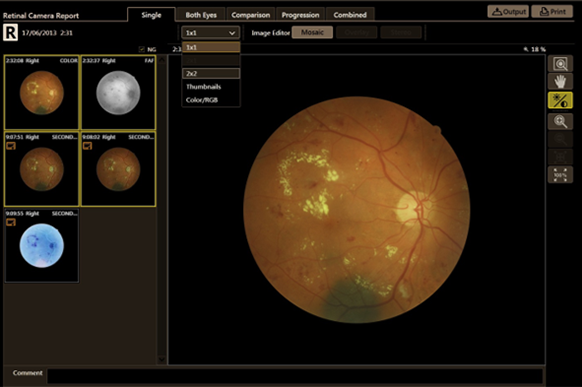
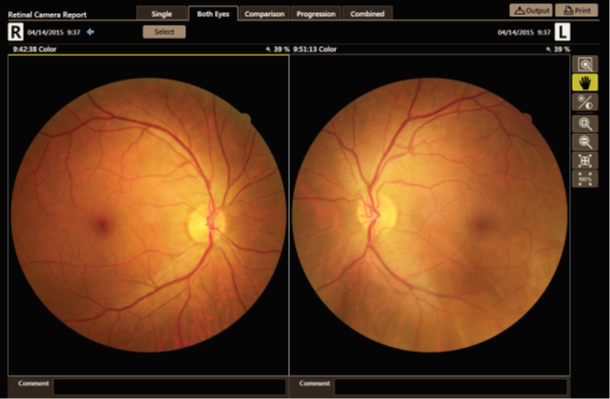
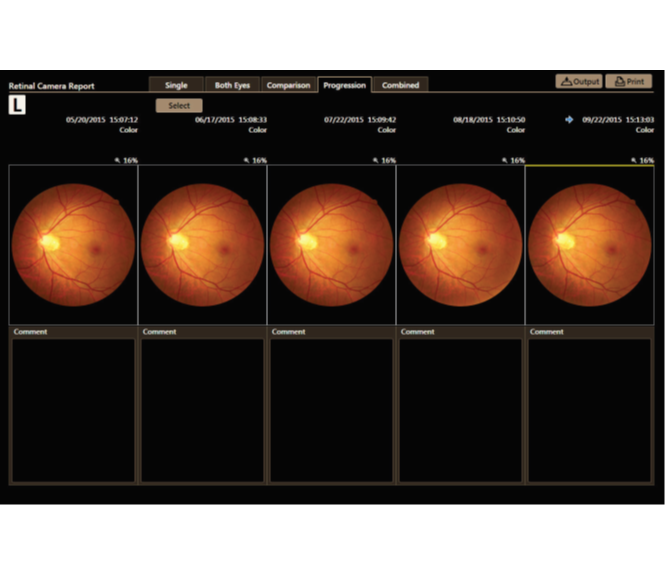
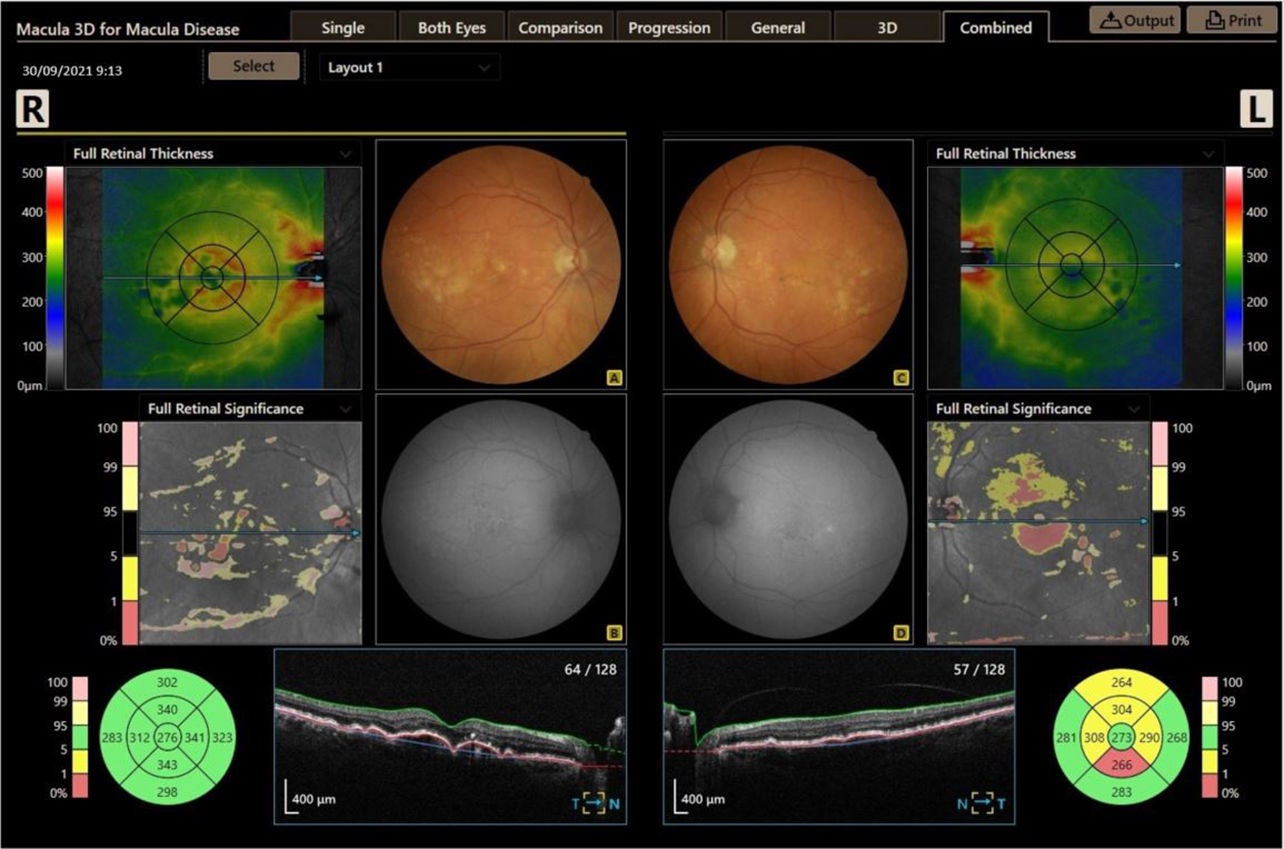
RX Software offers various reporting possibilities; single or both eyes report, comparison report to compare current image with previous studies and progression report to compare up to 5 previous images.
The report as created and displayed on the screen can be saved as an image file or printed as required.
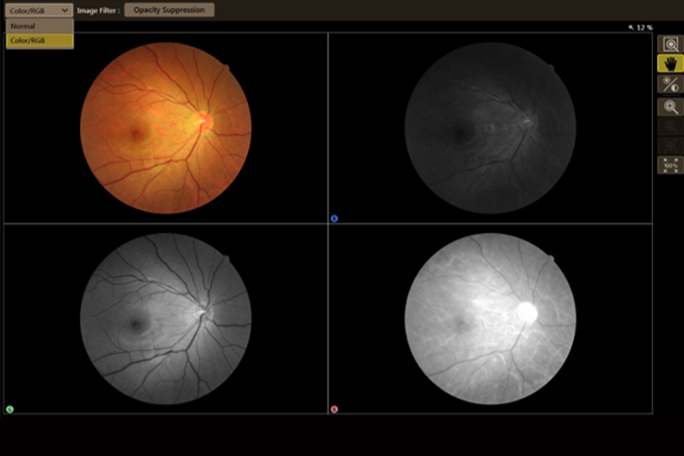
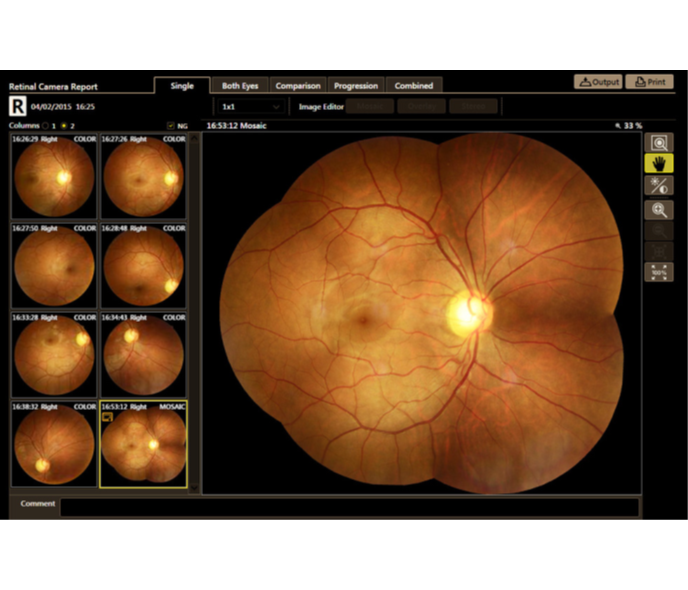
Single eye report
Offers various ways to display multiple images of the same examination. With the Color/RGB button, the color image also can be displayed in separate RGB channels.
Comparison report
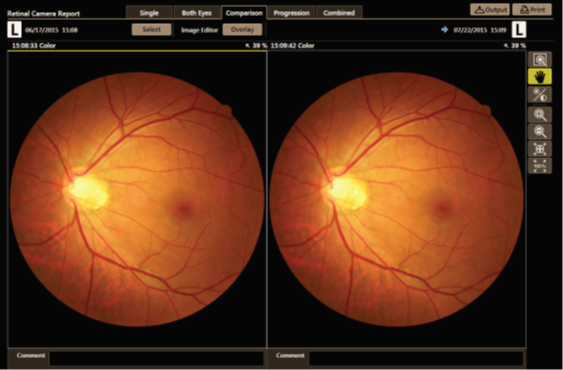
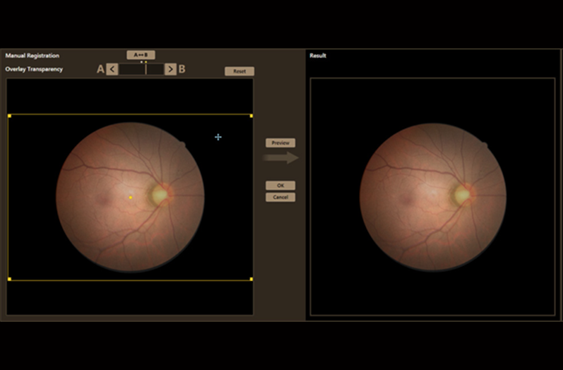
Displays images of the same side eye with previous studies to compare them. With the overlay functions, changes over time of the retina can be observed more clearly.
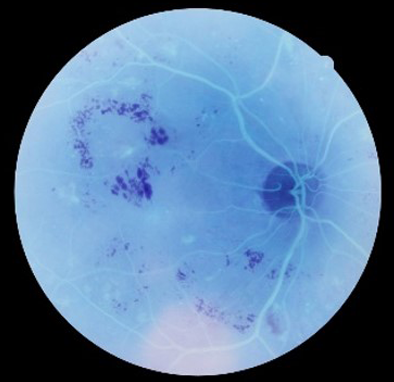
Invert
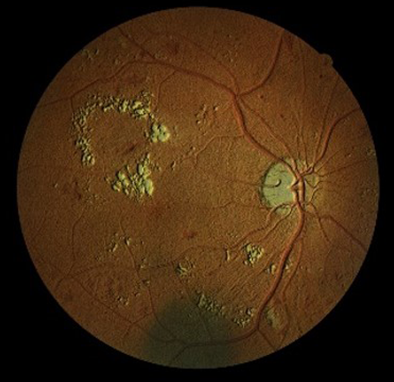
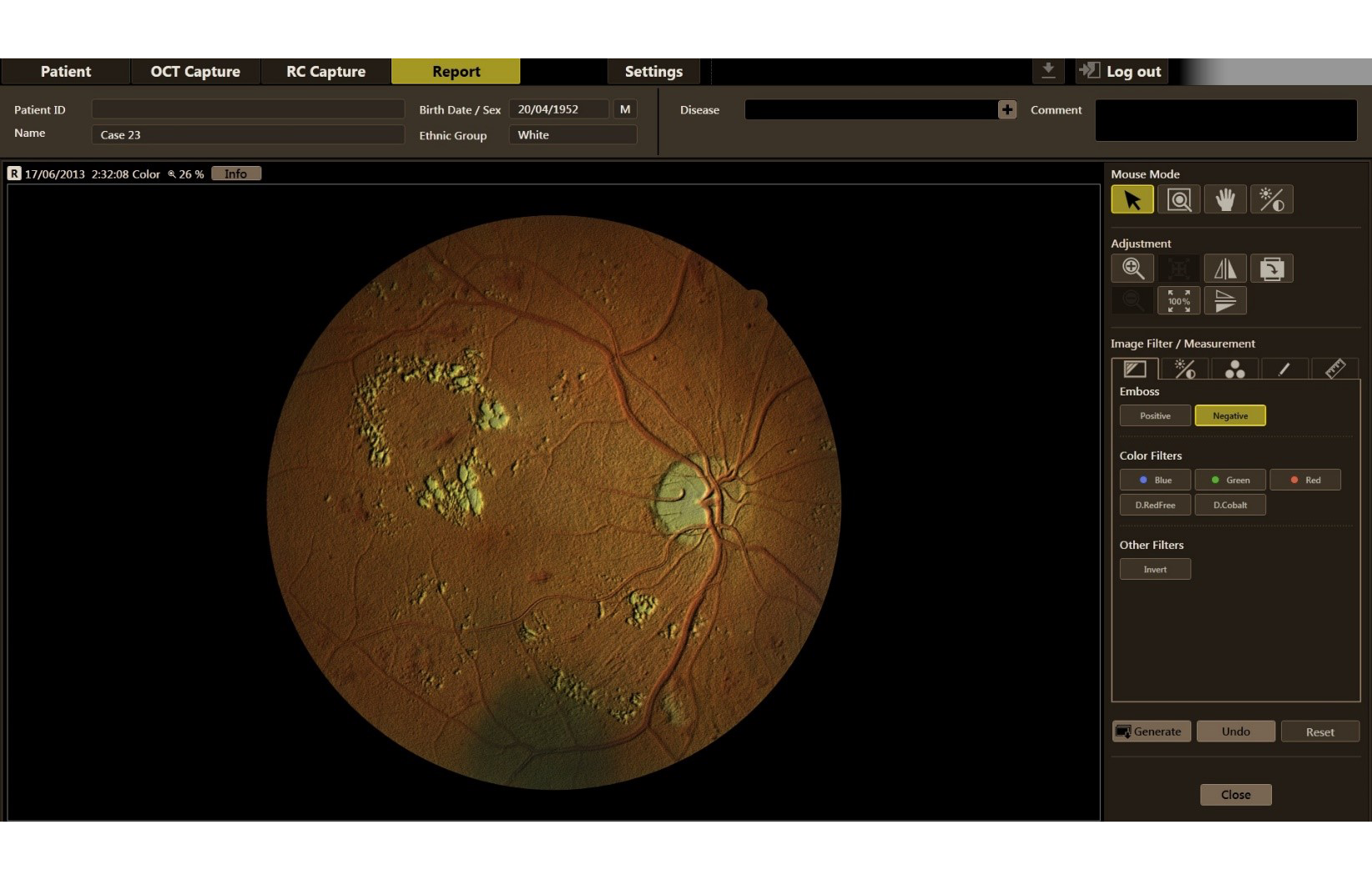
Emboss
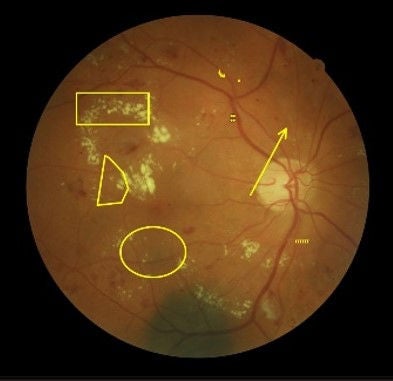
Annotations
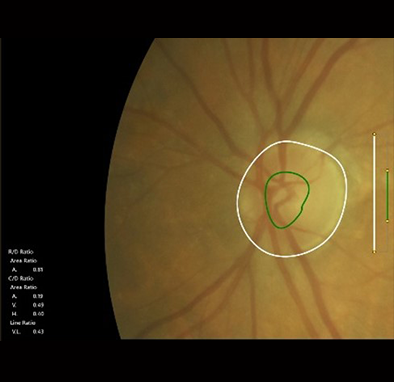
Cup/disc
Social Media


